July 12, 2026 12:13 am
Topic starter
Notifications
Clear all
Feedback, Suggestions & Improvements
0
Posts
1
Users
0
Reactions
36
Views
0

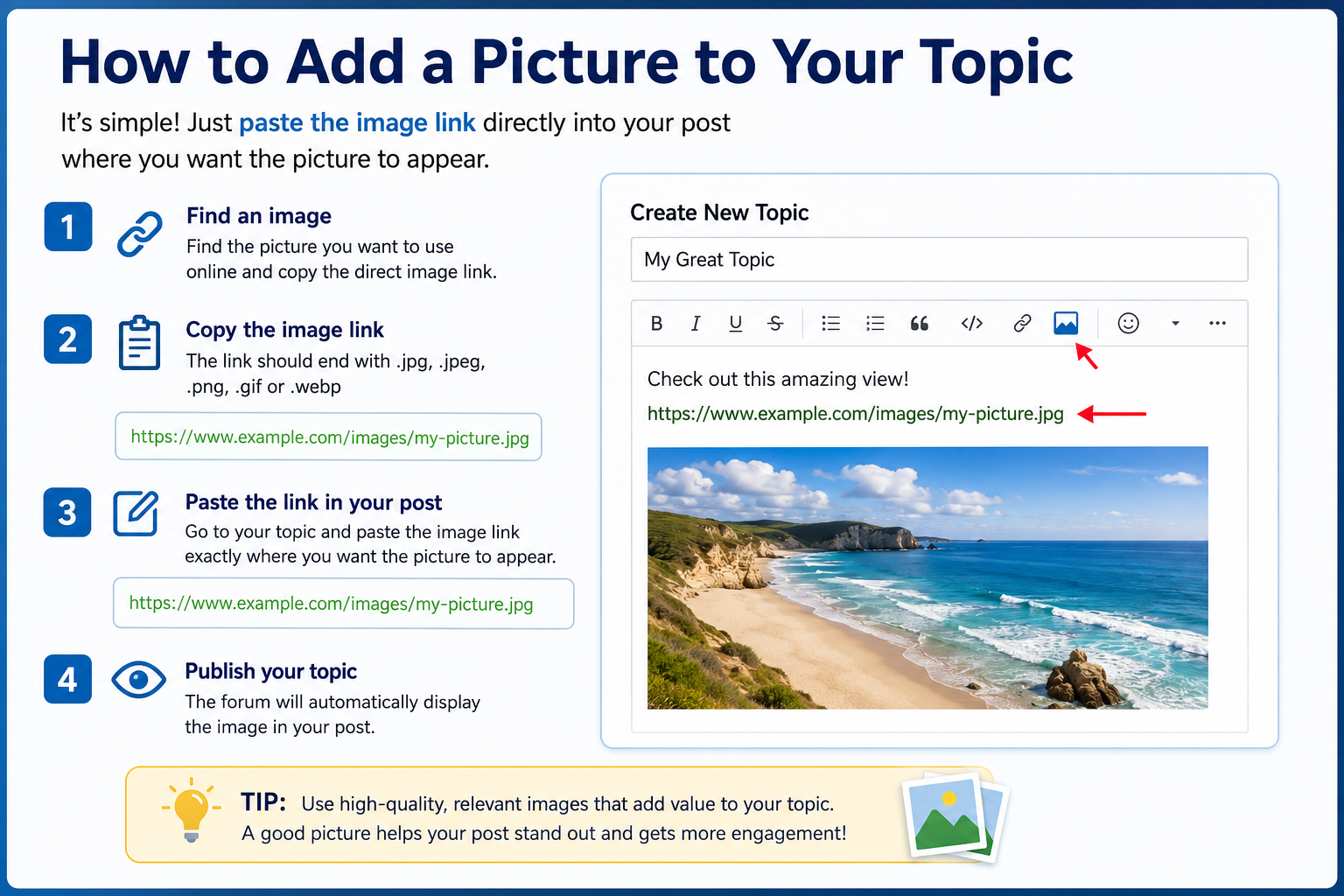
It's simple. Just copy the direct image link and paste it into your post exactly where you want the picture to appear. The forum will automatically display the image, helping to make your topic more attractive and easier to read. No extra formatting is needed—just paste the link and publish your post.
This topic was modified 1 week ago by Bournemouth info
Bournemouth.info
 -
- -
- -
- -
- -
- -
- -
-